
With Polarion 2410 update now live, we’re excited to share new upgrades we’ve made to the Nextedy apps in 2024 SO FAR!
Even in summer, we were busy behind the scenes, crafting major updates and enhancements to make your workflow smoother and more efficient. Our latest features are fully compatible with both older and the newest Polarion versions—ready for you to explore!
Nextedy Risksheet
New Features:
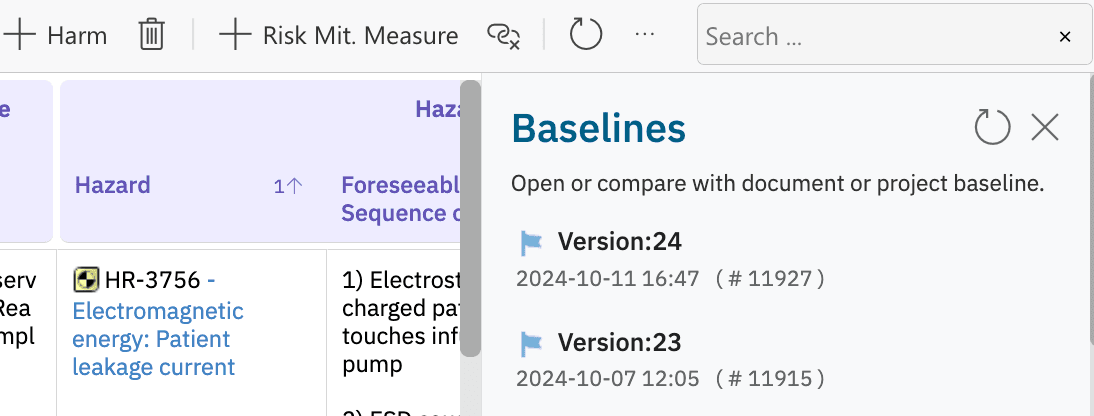
Document Baseline Creation
Stored Filters for sessions
Downstream Task Loading
Export Enhancements (colors to Excel & PDF)
Improvements:
Target Document Specification
Risk Comparison (showing added, removed, and modified risks in exploded rows)
Performance Boost for risk calculations
Multi-Item Editor upgrades
Document Title Sync
Toolbar Configuration with customizable “Add New”
Fixes:
Fix for Stored Filters & Enum values
Timezone & Date Format Fixes
Downstream Item Processing fixes
General Interface Bug Fixes
Nextedy Gantt
New Features:
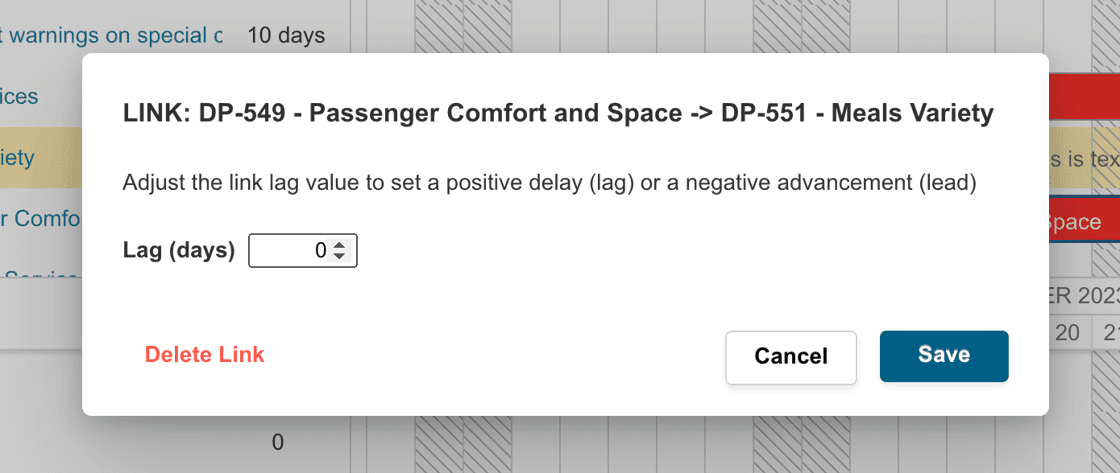
Link Lag & Lead Editing (NPT-244)
Locally Stored User Settings
Hide Unassigned Resources
Improvements:
Contextual Synchronization
User Interaction Enhancements (<Control + Left Click> menu access)
Gantt Menu Touch-Up
Performance andScalability:
50x Client-Side Responsiveness
Bundle Size Reduction
Architecture & Memory Isolation
Consistent Zoom Level Control
Fixes:
License Management (missing icons)
UI and Visual fixes:
Columns Visibility Menu (NPT-496)
Milestone Dates (NPT-418)
Toggle Button Issue (NPT-490)
Gantt Functional Fixes
Automated Scheduling (NPT-367)
Drag Progress Control (NPT-494)
High Precision Mode
Error Handling & Reporting (link lag issue, NPT-409)
Nextedy Checklist
New Features:
Information items/chapters marked as [i], editable via template text edit.
Improvements:
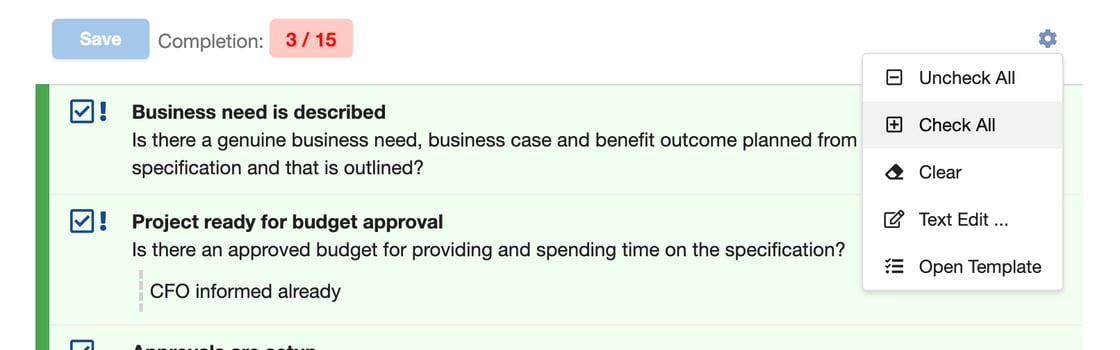
Check All quick action added to Checklist menu.
Checklist no longer loads in mixed-type bulk edit mode.
Fallback to default control value when custom value is null (configurable via `nextedy.Checklist.fallBackToDefaultControlFieldValue=false`).
Fixes:
Checklist load for first-item configuration in bulk edit mode.
NPT-390: Resolved overflowing text in read-only Checklist fields.
Nextedy Planningboard
New Features:
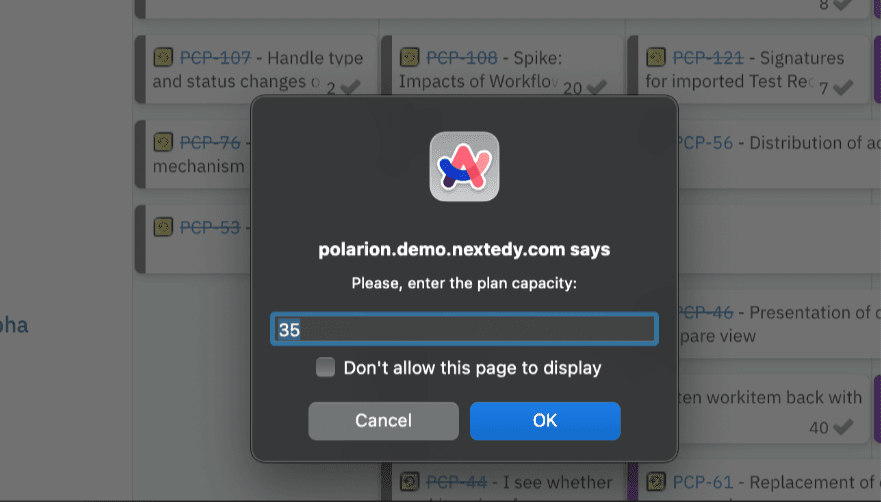
NPT-493: Users can now change plan capacity directly from the Planning Board.
Improvements:
Enhanced logging for data retrieval, showing retrieval time and associated URL for performance insights.
Detailed error logging for script issues, including the specific Planning Board.
Configurable suffix for SAFE programs.
Support for SAFE programs without prefix “Program” and SAFE Sprints at the Portfolio level.
Fixes:
NPT-444: Fixed item scheduling errors for non-consecutive plans.
NPT-265: Saved queries now apply across projects.
Resolved startup issues with `ITeamService` and issues with concurrent thread usage and sidebar item visibility.